QR Code Menu for Restaurants in Oman: A Practical Guide
A QR code menu does more than replace paper. This guide for restaurants and cafés in Oman covers what to include, where to place the codes, and how to move to table ordering.
Contents
- Why QR menus suit the Oman market
- What a QR code menu actually is
- Why restaurants and cafés switch
- What to include in your menu
- Where to place the codes
- From viewing to ordering
- Common mistakes to avoid
- Frequently asked questions
- Do guests need to install an app?
- Can one menu work in several languages?
- How long does setup take?
- Start with your own menu
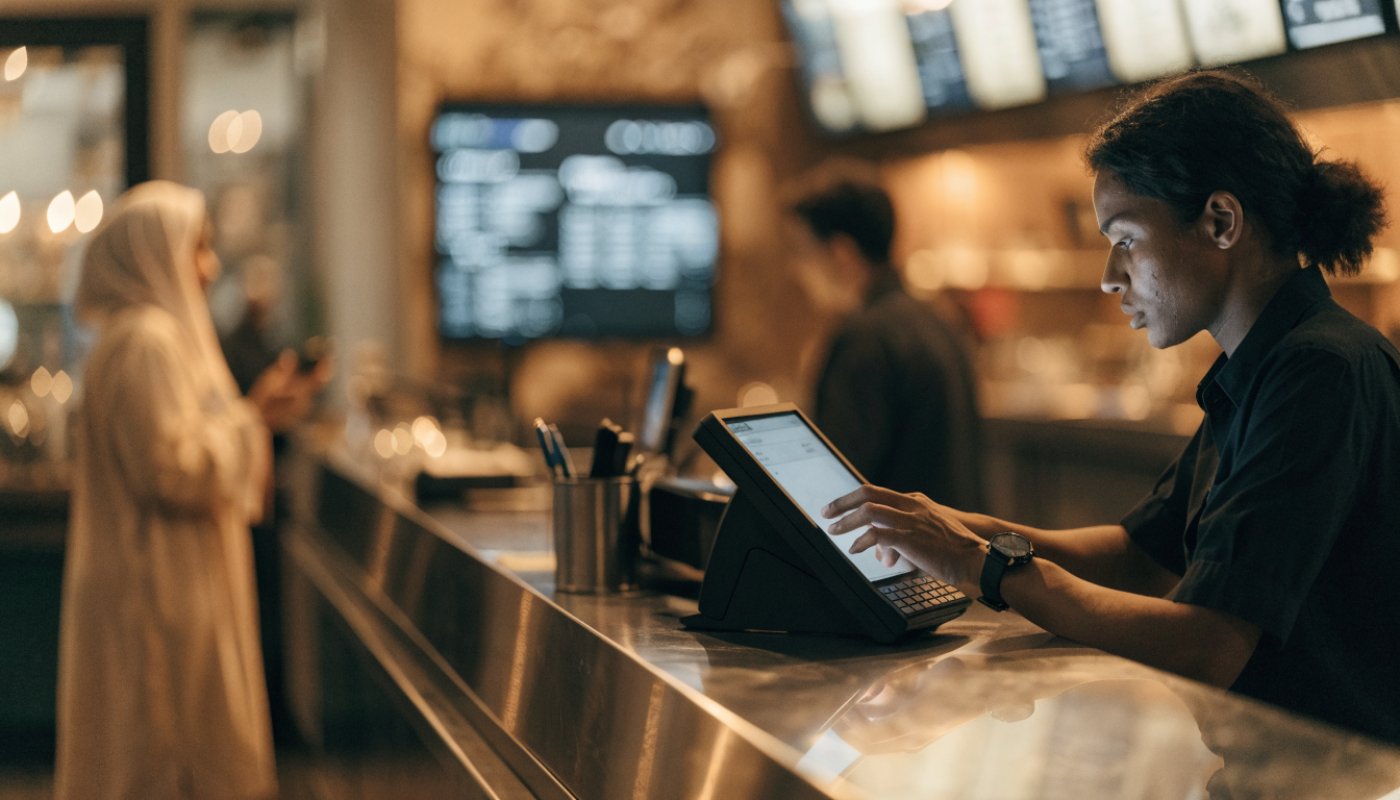
A QR code menu lets a guest scan a code at the table and open your full menu on their own phone, with no app to download. For a restaurant or café in Oman, the appeal is simple: you can change a price or hide a sold-out dish in seconds, without reprinting anything.
The technology is the easy part, though. A QR code menu works well when it is built around how guests actually order. This guide walks through the decisions that matter, from the content of the menu to the placement of the codes, so you end up with something guests are happy to use.
Why QR menus suit the Oman market
Oman's food service sector is growing. IMARC Group estimates the market at USD 1.91 billion in 2025 and projects USD 3.68 billion by 2034, with Muscat accounting for about 38% of it. The same report points to tourism under Oman Vision 2040, a young urban population and digital payments as key drivers.
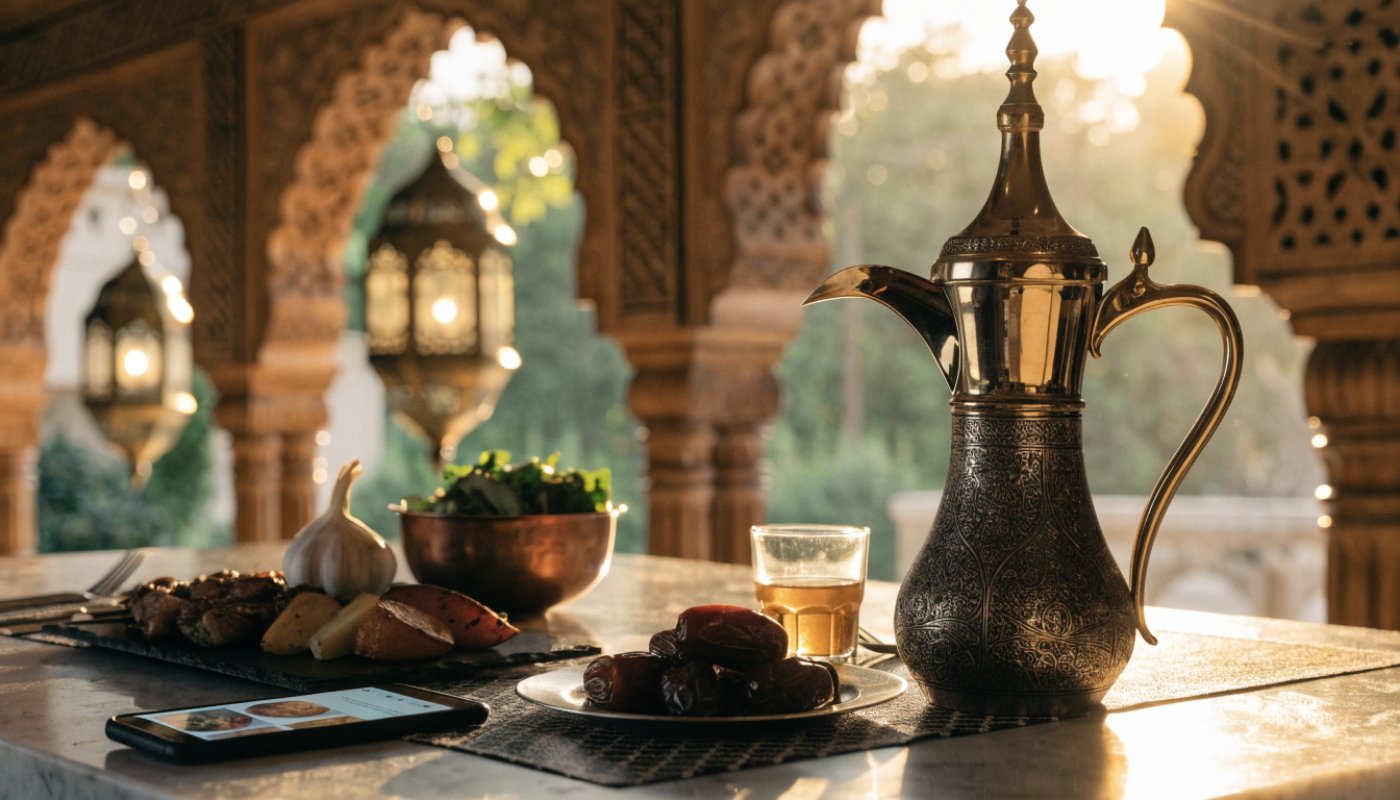
For a venue owner, that means two practical things. Your guests may be Omani families, expatriate residents and tourists on the same evening, so one menu has to work in Arabic and English. And competition is strong, so a menu that shows real photos and correct prices in Omani rials can help you stand out from the café next door.
What a QR code menu actually is
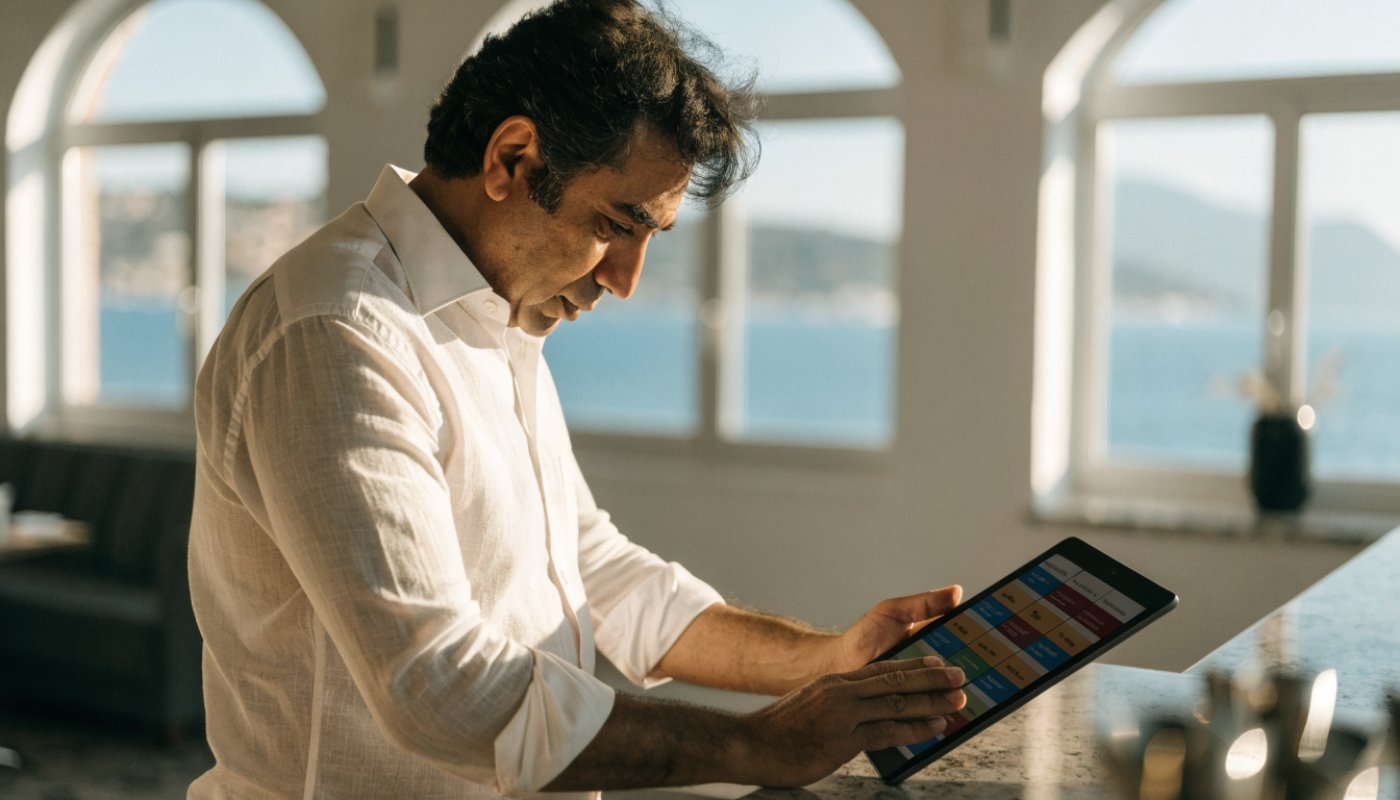
A QR code is only a link in printed form. What guests really use is the page behind it, which is why the words "QR code menu" and "digital menu" tend to mean the same thing. A good one is a fast mobile web page that shows your categories, dishes, photos and prices, and that you control from a simple admin panel.
Avoid the shortcut of pointing a code at a PDF of your paper menu. PDFs are slow to load, awkward to zoom on a phone, and every change means making and uploading a new file. A real menu page gives you search, filters, live availability and several languages.
Why restaurants and cafés switch
- Instant updates. Change prices, add a special or mark a dish as sold out without reprinting.
- Fewer awkward moments. Guests stop ordering dishes you ran out of an hour ago.
- Better selling tools. Photos, offers and banners do work that a printed page cannot.
- Multilanguage service. Guests switch between Arabic and English themselves instead of waiting for someone to translate.
- Useful data. Visit statistics show how many people open your menu each day and month.
QR menus also support a shift many operators are already making toward a single system for menu, orders and reporting, rather than separate tools that do not talk to each other.
What to include in your menu
Treat the menu as a sales page, not a list. Before you print a single code, check that yours covers the following:
- Clear categories. Five to ten groups are easier to scan than one long scroll.
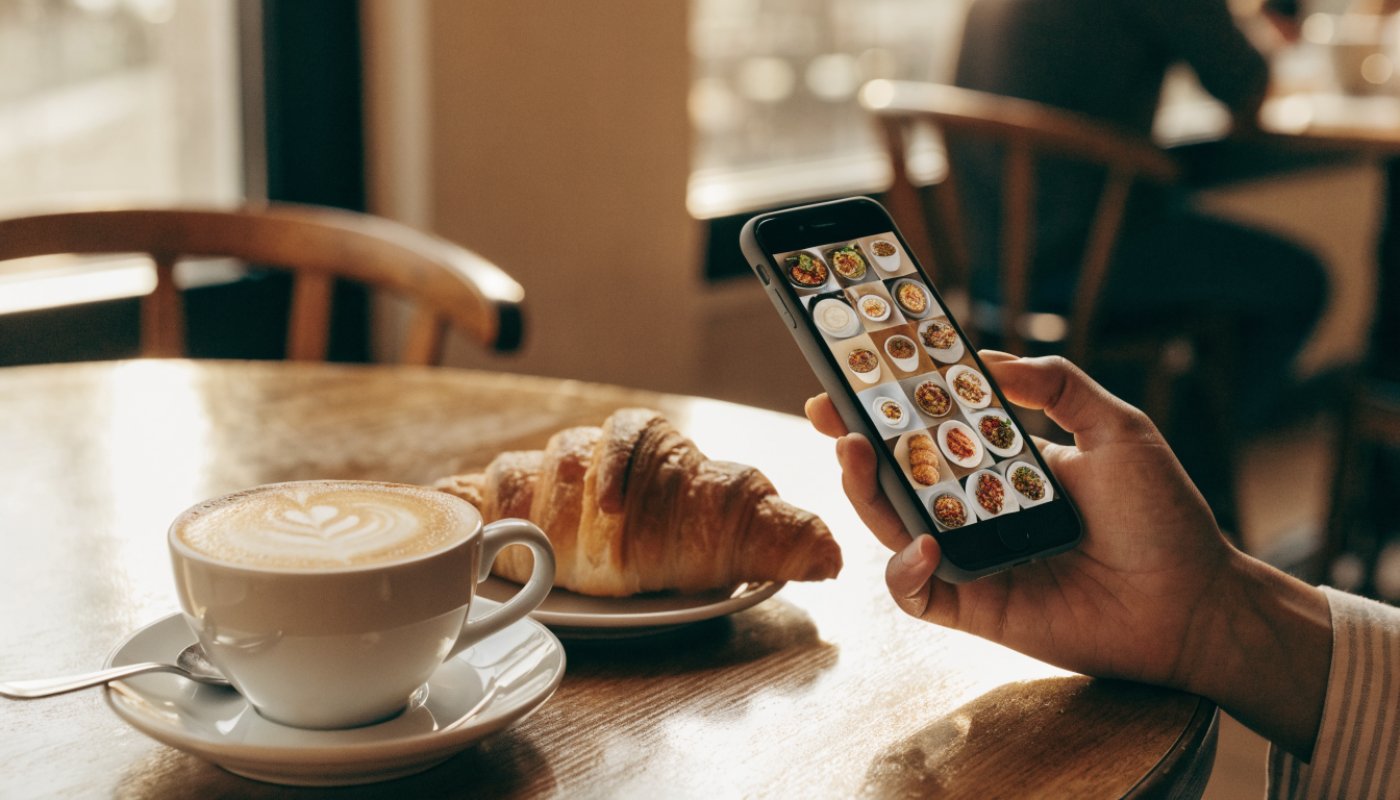
- Real photos. Use your own dishes, in consistent light. Hide photos in a category if they do not help.
- Short descriptions. One line on ingredients and portion is usually enough.
- Dietary tags. Mark vegetarian, spicy, gluten-free and allergen information, and make them filterable.
- Live status. Each item should be available, sold out or hidden, and that should be easy for staff to change.
- Your brand. Logo, colors and banner should match the room guests are sitting in.
You can see how these pieces fit together in this live digital menu example.
Where to place the codes
Placement decides whether guests scan at all. A few rules cover most venues:
- Put one on every table. Use a stand or a sticker that stays visible when plates are down.
- Print it large enough. Test from a seated position, in your real evening lighting.
- Add a short instruction. "Scan for menu" beats a bare code, and your logo inside the code builds trust.
- Use a separate code per table if you plan to take orders, so each order arrives with its table number.
- Add one at the entrance or window so passers-by can look at the menu before they walk in.
Keep a few printed copies for guests who prefer them. A QR code menu should add an option, not remove one.
From viewing to ordering
Many venues start with a view-only menu, then add ordering once staff are comfortable. The next steps usually look like this:
- Waiter call. Guests request a waiter or the bill with one tap from the table's code.
- Cart and direct ordering. Guests add dishes to a cart and send the order straight to your panel, with a sound alert for staff.
- Kitchen display. Orders appear on a kitchen screen with a timer, replacing paper tickets.
- Screens in the venue. The same menu can run on a TV menu board, so a price change updates everywhere at once.
Once orders flow through one system, each one can also deduct ingredients from stock. That makes it far easier to track your margins, which we cover in our guide to calculating restaurant food cost percentage.
Common mistakes to avoid
- Testing only on office Wi-Fi. Check load times on mobile data, inside your venue.
- Letting the menu go stale. Name one person who is responsible for updates.
- Using a code you cannot edit. Make sure the printed link stays the same even if the menu changes.
- Removing staff from the experience. Train your team to help, and to recommend dishes.
Frequently asked questions
Do guests need to install an app?
No. The menu opens in the phone's browser. Some systems can also be installed as a progressive web app, which lets guests launch the menu from their home screen like a regular app.
Can one menu work in several languages?
Yes. A multilanguage menu lets each guest switch language instantly, which matters in Muscat, Salalah and other areas that welcome many visitors. Arabic readers can also see our guide to digital menus for restaurants in Oman.
How long does setup take?
For a small menu, you can usually enter categories and dishes and print your first codes within a day. Photos tend to take the longest.
Start with your own menu
The fastest way to judge a QR code menu is to build yours and scan it at a real table. SALAM MENU gives you a menu, QR codes and an admin panel, with a 30-day free trial and no payment needed to begin. When you are ready, compare the plans and pricing to see which features fit your venue.
Build your restaurant’s digital menu today
Try it free for 30 days — no card required.