Restaurant Management Software in Oman: SALAM MENU Features
From the QR menu to the monthly profit report, here is a full tour of SALAM MENU's features and how they help restaurants and cafés in Oman run from one panel.
Contents
- Why restaurant management software matters in Oman
- Digital menu and guest experience
- Ordering, booking and table service
- POS and kitchen
- Inventory, food cost and profit
- Staff, branches and customers
- Which plan includes what?
- Frequently asked questions
- Do I need technical knowledge?
- Can I try it before paying?
- Is it only for large restaurants?
- Try it with your own menu
Good restaurant management software brings your menu, orders, kitchen, stock and profit reports into one place. For restaurants and cafés in Oman, that means less time moving between separate tools and more time looking after guests. SALAM MENU was built around exactly that idea: one panel that follows an order from the moment a guest scans a QR code to the profit report at the end of the month.
This article is a tour of what the platform does, grouped by the part of your business each feature supports. You can also open a live menu example as you read.
Why restaurant management software matters in Oman
Competition is strong and costs are rising. IMARC Group lists fragmentation, intense competition and higher operating costs among the main restraints on Oman's foodservice market, while pointing to digital transformation as a driver of growth. When your menu, till and stock sheet are all separate, every price change means updating three places, and problems stay hidden until the month ends. Restaurant management software connects those steps so that one update carries through.
Digital menu and guest experience
- Multilanguage menu. Guests switch instantly between Arabic, English and Persian.
- Custom QR code. Print-ready codes carry your logo and restaurant name.
- Smart search and filters. Guests find dishes quickly, and dietary tags cover vegetarian, spicy, gluten-free, allergens and calories.
- Live item status. Mark each dish as available, sold out or hidden.
- Offers. Add discounts to dishes and a special offer banner with your own image.
- Your brand. Set your own colors, logo, banner and layout, and add an About page with photos and video.
- Install as an app. Guests can add your menu to their home screen as a progressive web app with your icon.
- TV and print. Show the menu on an LCD screen or print it on A4, choosing which categories and images appear in each.
New to this? Our guide to QR code menus for restaurants in Oman covers setup step by step.
Ordering, booking and table service
- Order cart. Guests add dishes to a cart and send the order directly to your system, or as a note through WhatsApp.
- QR code per table. Each order arrives with its table number.
- Waiter call. Guests ask for a waiter or the bill with one tap.
- Online table booking. Offer time slots based on your opening hours, set a capacity for each slot, and send guests a confirmation.
- Sound alerts on your phone. Orders, bookings and waiter calls reach you even when the panel is closed.
POS and kitchen
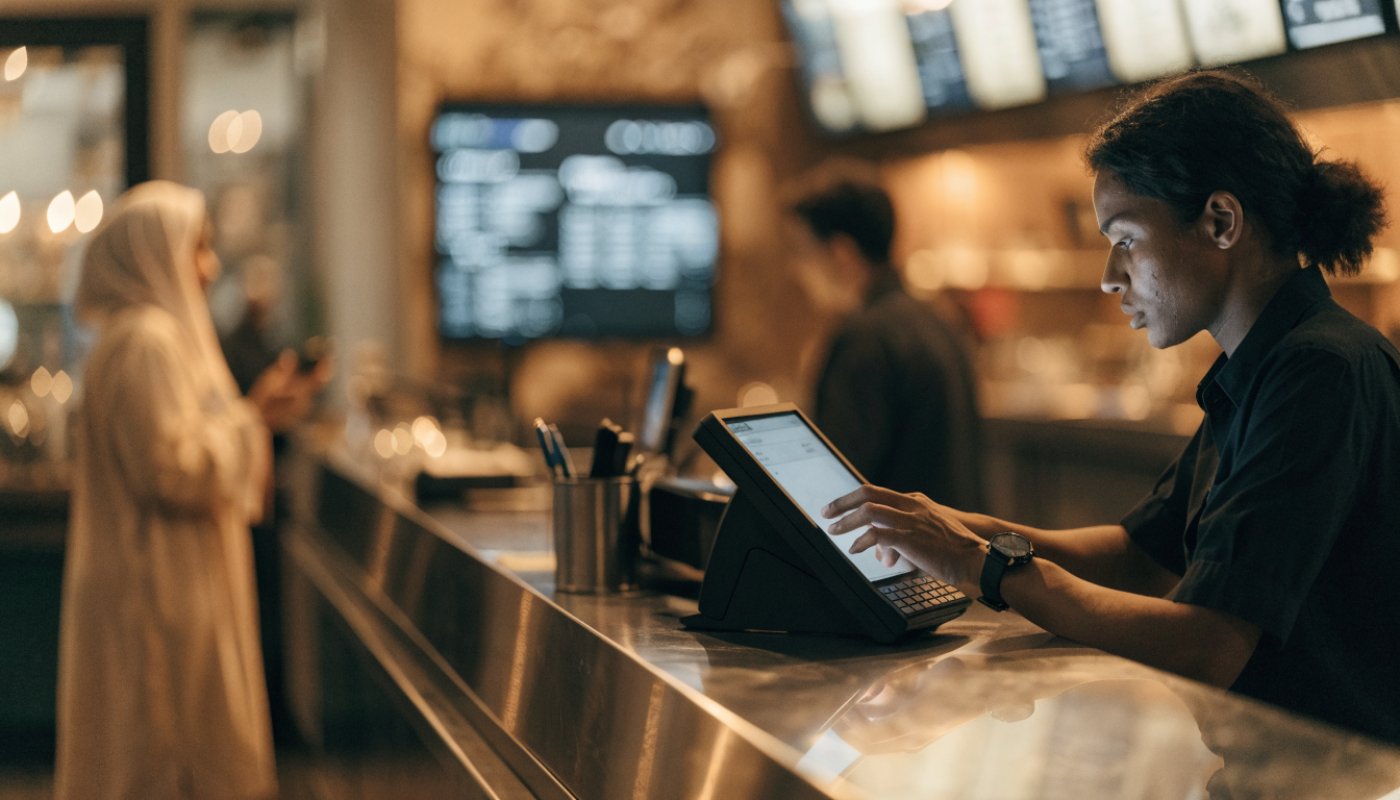
The point of sale handles dine-in, takeaway and delivery, with cash, card and split payments. It also manages shifts, closing the till and receipts.
Orders then appear on the kitchen display with a timer and sound, and the kitchen marks them ready with one tap. A separate pickup screen shows preparing and ready order numbers on a TV, so counter staff are not left calling out numbers during a rush.
Inventory, food cost and profit
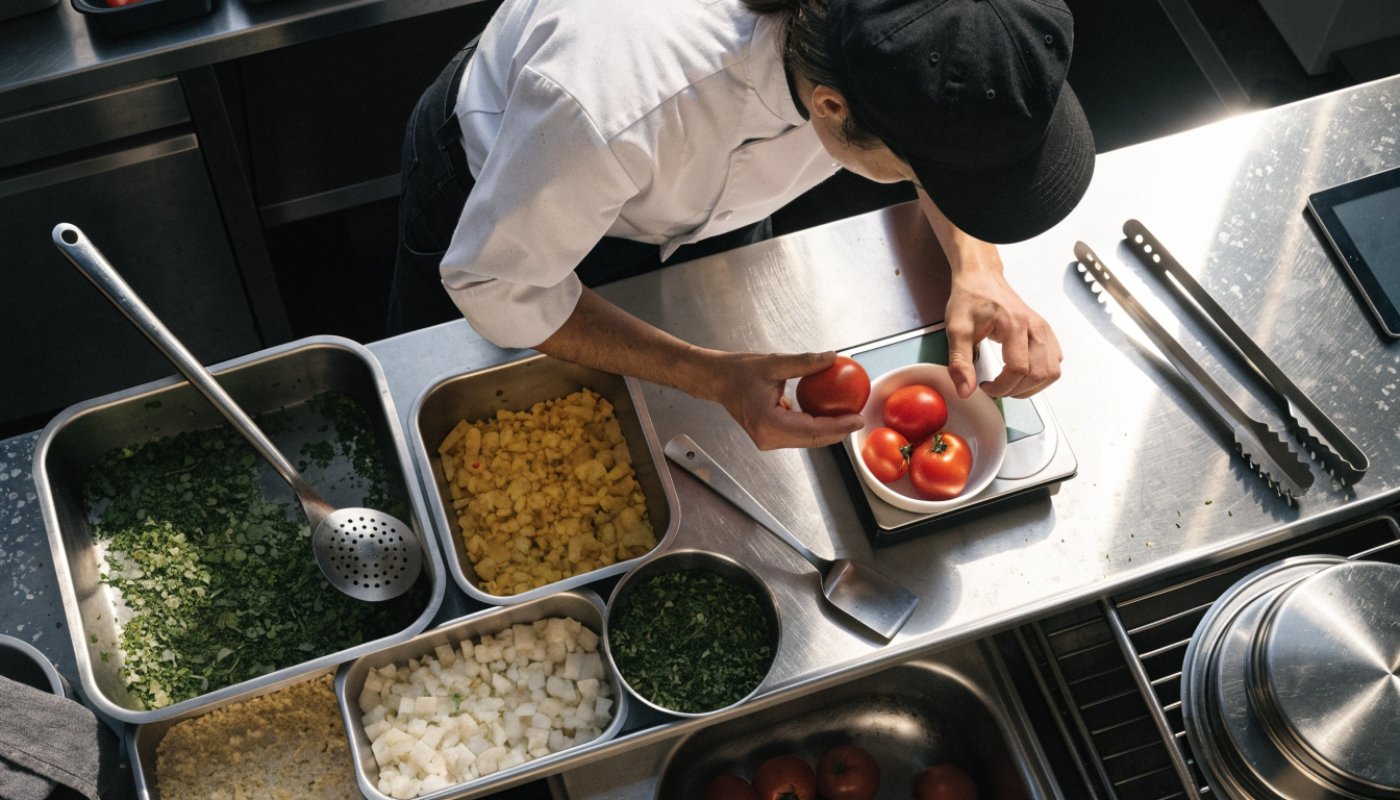
This is where restaurant management software pays for itself. Attach a recipe to each dish, and ingredients are deducted from stock automatically. The system shows your food cost ratio and a suggested price, so you can see which dishes actually earn money.
Finance reports bring together sales, costs, expenses and net profit, with a daily chart and Excel export. To understand the numbers behind this, read our guide to calculating food cost percentage.
Staff, branches and customers
- Staff permissions. Cashiers, chefs and branch managers each see only their own section.
- Branch management. Run a separate till, kitchen, orders and reports for each branch, with a shared menu.
- Customer club. Guests join by text message, leave ratings and earn points as loyal customers.
- Visit statistics. See how many people view your menu each day and month.
Which plan includes what?
Plans run for 12 months and are priced in Omani rials. At the time of writing:
- Basic (OMR 39): the digital menu, custom QR code, offers, live item status, statistics and the core features.
- Pro (OMR 65): adds direct online ordering, a QR code per table, the customer club, POS, kitchen display, inventory, accounting and online payments.
- VIP (OMR 119): adds multi-branch management, your own domain, professional photography of 20 menu items and the venue, and full menu entry by our team.
See the pricing page for the current list of features in each plan.
Frequently asked questions
Do I need technical knowledge?
No. The admin panel is designed so you can manage the whole menu without technical skills.
Can I try it before paying?
Yes. Registration is instant, and you get 30 days free without paying to start.
Is it only for large restaurants?
No. A small café can start with the menu and QR codes, then move up to POS and inventory as it grows.
Try it with your own menu
The best test of any restaurant management software is your own menu on a real table. Start your 30-day free trial, or browse the full feature list first.
Build your restaurant’s digital menu today
Try it free for 30 days — no card required.